Yes, at least two emails. One was the spoofed email from legal@google.com (which sadly convinced me this was legit) and the other was a Google recovery code email.
The spoofed email was deleted by the attacker, but I have a copy because I forwarded the email to phishing@google.com (something ChatGPT told me to do). The attacker then deleted the original but when I got my account back an hour later, Google bounced back the email. So that is the copy I have and the headers are not super helpful.
That's the big question. I've heard attackers have used Google's own tools like Google forms or Google cloud to send the email through Google's servers so it wasn't flagged. This is a major vulnerability that Google needs to fix. I'm quitting Google because I'm worried about other vulnerabilities like this.
No, if they had had the password they wouldn't have needed to do all of that. They could have just logged in, perhaps just needed the 2FA code. However, you say that you gave them both enhanced security codes (I'm guessing this was a gmail backup key), and you also gave them the 2FA SMS code. These are the only two things you need to take over any gmail account, and it doesn't require knowing the password. It's just purely social engineering.
The only question mark is the email from google. It sounds like it was a scam email, so it would be interesting to know whether/how it was spoofed.
And did you have passwords using chrome password manager as well (which were also compromised by the Google account access, and this is how they got access to e.g. Coinbase?), or did they get passwords through some other means and just needed 2FA?
I did have saved passwords in Chrome password manager but they were old. My guess is that the attacker used Google SSO on Coinbase (e.g., "sign in with Google"), which I have used in the past. And then they opened up Google's Authenticator app, signed in as me, and got the auth code for Coinbase.
By enabling cloud-sync, Google has created a massive security vulnerability for the entire industry. A developer can't be certain that auth codes are a true 2nd factor, if the account email is @gmail.com for a given user because that user might be using Google's Authenticator app.
Hmm, I see what you mean, although technically this is still a 2 factor compromise (Google account password + 2FA code). Just having one or the other wouldn’t have done anything. The bigger issue is the contagion from compromising a set of less related two factors (the email account, not the actual login).
Specifically, the most problematic is SSO + Google authenticator. Just @gmail + authenticator is not enough, you need to also store passwords in the Google account too and sync them.
Although, this is functionally the same as using a completely unrelated password manager and storing authenticator codes there (a fairly common feature) - a password manager compromise leads to a total compromise of everything.
I lost the original email—the attacker deleted all evidence and then cleared my trash (and yes I tried using the Google tool to find deleted emails, but the attacker cleared that too). The reason I have this email is because I forwarded this email on to phishing@google.com, before the attacker deleted everything. When I got control of my account, and removed the scammer recovery methods (he added a windows device—I don’t use windows, and a Brazil phone number), the email bounced back from phishing@google.com (apparently Google doesn’t accept that address). So what I have is the bounced-back copy.
The code I read to them was a Google account recovery code. That’s how they accessed my Google account. I, mistakenly, believed they needed to confirm I was still alive and the rightful owner of the account.
Then the attacker used Google SSO to perform the initial log in to my coinbase account. Then they opened Google Authenticator, signed in as me, to get the coinbase auth code so they could complete coinbase’s 2fac.
But... that's an email that would be sent to a non-gmail address, the one on file that you originally registered your account with. And while I don't have copies of the transactions in front of me, these things are not unclear as to their purpose or intent. They tell you straight up that they're resetting the authentication for the account and to be sure you are doing it intentionally. They're also accompanied by warnings that would be simultaneously sent to your active gmail address and to the Authenticator app.
I really think you're reaching here trying to ascribe blame. You... just got phished.
I believe they logged into coinbase with Google SSO. And then they used my Google Authenticator codes which were cloud synced as the second factor auth method.
A warning to auth engineers: if an account is using a Gmail address, then auth codes from Google Authenticator should not be considered a second factor.
This isn't something "auth engineers" can control, there's no magic Google Authenticator flag on a 2fa code - it's all HMAC and numbers, you don't know if the code came from Authy, Google Auth, a homebrew code generator, a dongle, etc.
Passkeys also solve this even if they’re not hardware backed. He was able to give them a code but wouldn’t have been able to do a passkey handshake for a domain which isn’t Google.com. Plus they’re easier to use and faster.
I don't know about that. If they can hack your Google/iCloud account they can add a new device, sync all your passkeys to that device, then log into all your other accounts.
How do they do that if you are incapable of giving them a valid authentication code?
I don’t use Google but at least in the Apple world you also get a fairly different prompt for enrolling a new iCloud Keychain device than simply logging in. Obviously that’s not perfect but there is a good argument for not getting people accustomed to hitting okay for both high and low impact challenges using the same prompt.
But they can't hack your Google or iCloud account if it's secured with a passkey, unless they have some other non-phishing means of doing so, which the attacker in this story presumably did not.
I had to reset the 2FA for a domain admin account for Google Apps earlier this year — I'm not sure if my password manager somehow lost the passkey, or if I missed creating one before some deadline. (It's a little-used domain.)
I think I requested the reset with various details, then had to wait 24 hours before continuing.
I feel like a lot of things would benefit from that time delay and, perhaps, an in person check like the notary ID verification AWS used to use.
About a decade ago I had suggested to Google at an identity forum that they embrace a local government/organization model for their hard-landing account recovery process (since it can ultimately devolve to an ID check) by having a mechanism where you can start the account reset process and get something which could be taken to a third party to approve after they do an ID check. As people increasingly depend on things like email accounts for everything there are a constant stream of people who will lose access to their phones but could easily visit a notary, library, DMV, police station, etc. and pass a check against a pre-registered government ID.
>A warning to auth engineers: if an account is using a Gmail address, then auth codes from Google Authenticator should not be considered a second factor.
Incredible take. I don't know what's worse here — suggesting gmail address = google authenticator, thinking you can know the source of "auth codes", or the fact this is coming from an auth engineer. I'm switching to handwritten HMACs on paper napkins today.


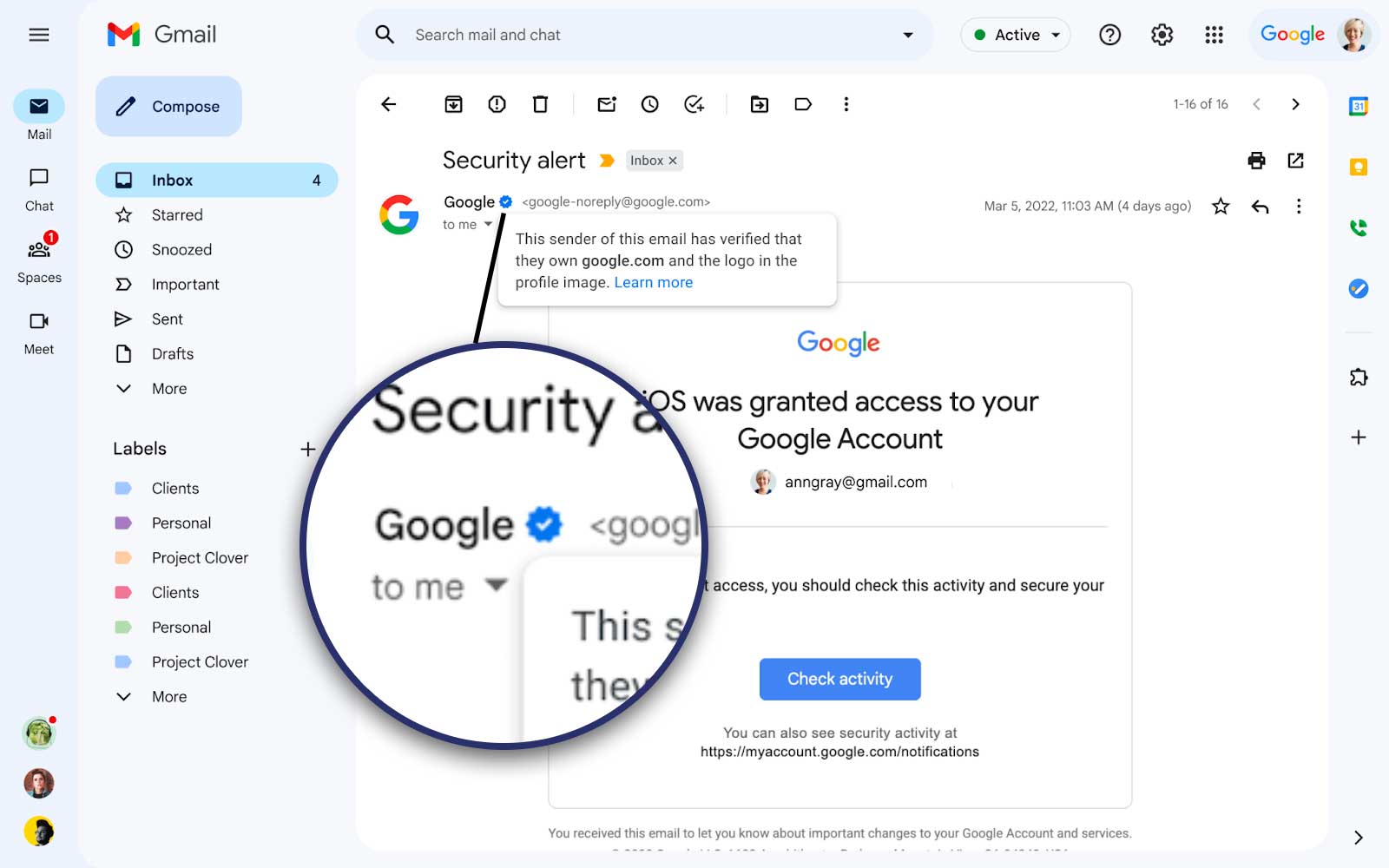
The spoofed email was deleted by the attacker, but I have a copy because I forwarded the email to phishing@google.com (something ChatGPT told me to do). The attacker then deleted the original but when I got my account back an hour later, Google bounced back the email. So that is the copy I have and the headers are not super helpful.